
Upside Down Text
Flip your text upside down for fun social media posts.
This page covers exactly how the upside down text generator works, how it differs from the "turn your phone upside down" myth people still search for, and the specific ways to use flipped text well — plus a look at what's technically happening under the hood when a letter gets inverted.
What "upside down text" actually is
Upside down text isn't your normal sentence rotated as an image. It's built letter by letter, using Unicode characters that are visually designed to look like a standard letter flipped 180 degrees. A lowercase "e," for instance, gets swapped for a character that already looks like an upside-down "e" — so when you reverse the order of the whole string and swap every letter this way, the result reads as flipped text anywhere Unicode is supported.
That's the key difference between real upside down text and the old "turn your phone upside down" trick people used to try with normal words: rotating your screen doesn't change the text itself, and the letters don't invert cleanly — most letters just look wrong sideways. A proper upside down text generator solves that by using characters that were specifically chosen to look inverted whether your phone is right-side up or not.
How to type upside down text
- Type your sentence normally into the generator
- It automatically maps each letter to its inverted Unicode equivalent and reverses the string
- Copy the flipped result
- Paste it into a caption, bio, comment, or message — it'll display flipped wherever you paste it
There's no special keyboard, no "how to type upside down on iPhone" setting hidden in accessibility options, and no app required. This is the part that trips people up the most in search results — there isn't a built-in iOS or Android feature for typing upside down. It's done entirely through character substitution, and a generator does that instantly.
Upside down letters, numbers, and symbols — what actually flips
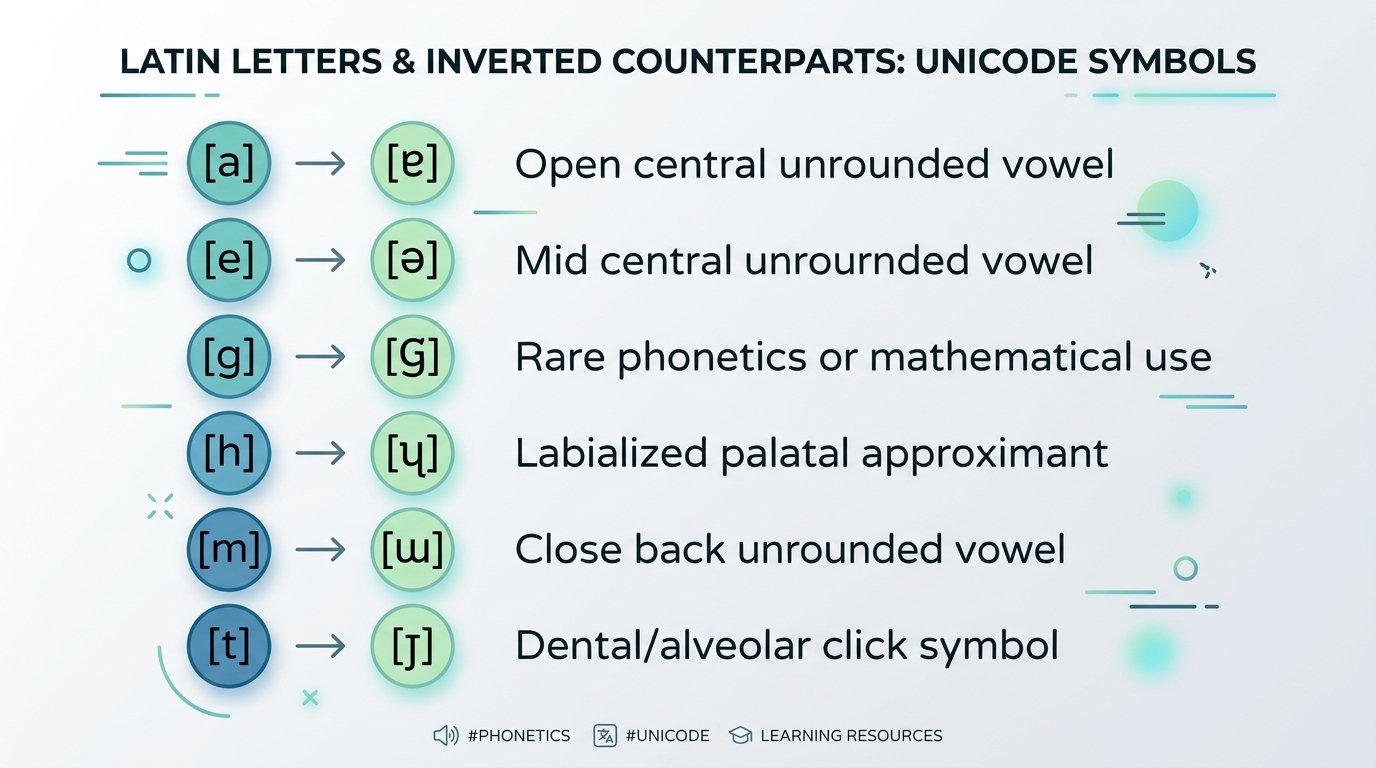
Not everything inverts with the same accuracy, because Unicode doesn't have a perfect upside-down match for every character. Here's the honest breakdown:
- Upside down letters — most of the lowercase Latin alphabet has a genuinely close visual match. An upside down "a" (ɐ), upside down "b" (q), and reverse "g" (ƃ) are all real, distinct Unicode characters that look convincingly flipped. A few, like upside down "l," don't have a true mirror — the generator substitutes the closest available character, which is usually a vertical bar or a similar-looking glyph rather than a perfect inversion.
- Upside down numbers — digits flip less cleanly than letters, since Unicode doesn't include a full set of dedicated inverted numerals. Some numbers (like 0, 1, and 8) look nearly identical upside down naturally; others get approximated with the nearest visual match available.
- Inverted symbols — a handful of symbols do have true Unicode inversions, like the inverted question mark (¿) and inverted exclamation mark (¡), both of which are standard characters used in Spanish. Others, like an inverted cross symbol, exist as their own dedicated Unicode characters rather than being generated through a rotation process.
Flip text vs. reverse text vs. mirror text — these are different things
People often use "flip," "reverse," "invert," and "mirror" interchangeably, but they describe three different transformations:
- Upside down / inverted text — each letter is swapped for its inverted-looking counterpart, and the string order is reversed, so it reads correctly when read upside down. This is what most people mean by "flip text upside down."
- Reverse text / backwards text — the letters themselves stay right-side up, but the order of the string is reversed (e.g., "hello" becomes "olleh"). No character substitution happens — it's the same letters, just backwards. A backwards text generator or reverse text generator does this specifically.
- Mirror text — text flipped left-to-right like a reflection, rather than rotated. This one is genuinely hard to render with real Unicode text, since it would require horizontally mirrored letterforms that mostly don't exist as standard characters — this is closer to an image-based effect than a text-based one.
If you search "spell backwards" or "reverse writing," you're usually looking for the second type — simple order-reversal, not visual inversion. An upside down text generator can typically do both, since reversing the string is already part of the process; it just also swaps the characters when you want the true flipped look.
Where people actually use upside down text
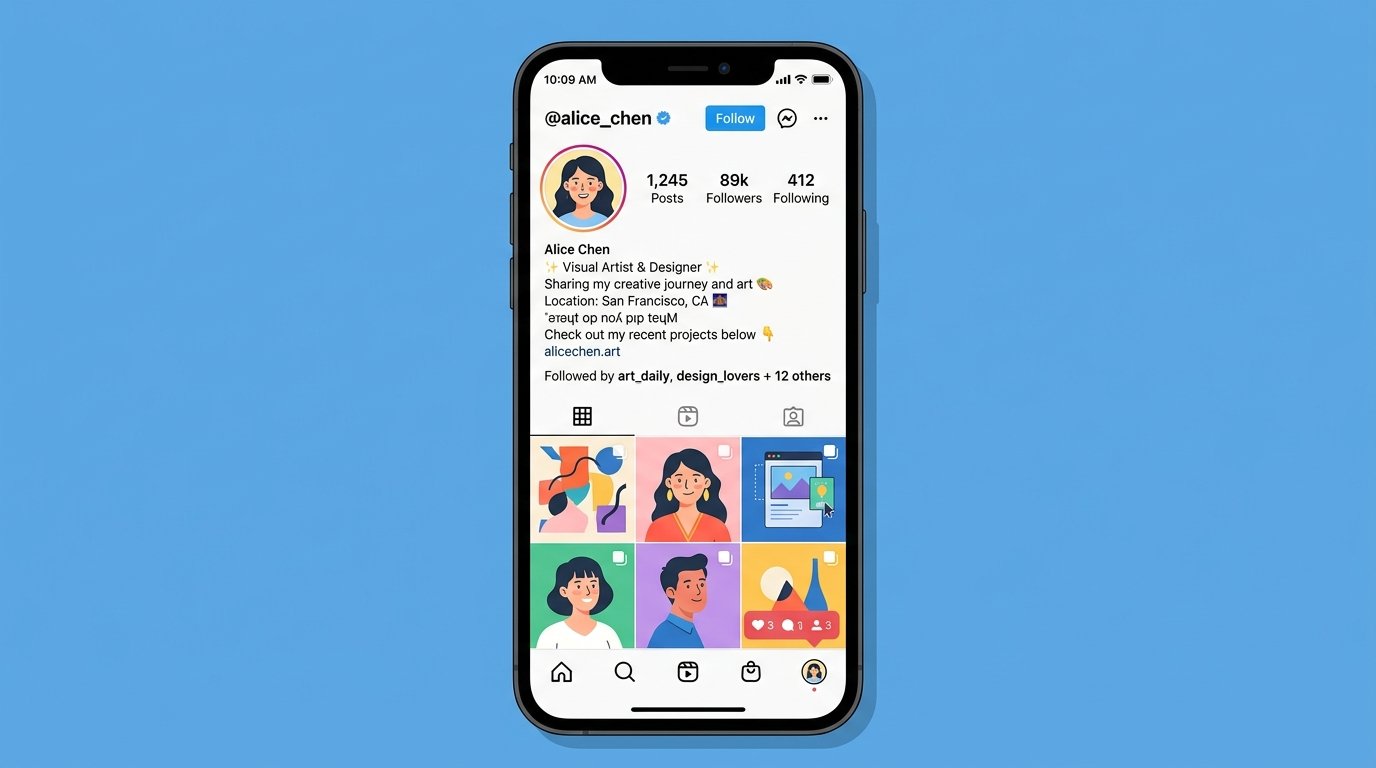
- Instagram bios and captions — an upside down Instagram caption is one of the most common uses, since a flipped line in a bio or caption looks unusual against a feed of normal text, which is exactly what makes it get noticed. A short flipped phrase at the top of a bio — sometimes just "i love you" upside down, or a flipped tagline — reads as a small bit of personality without needing extra explanation.
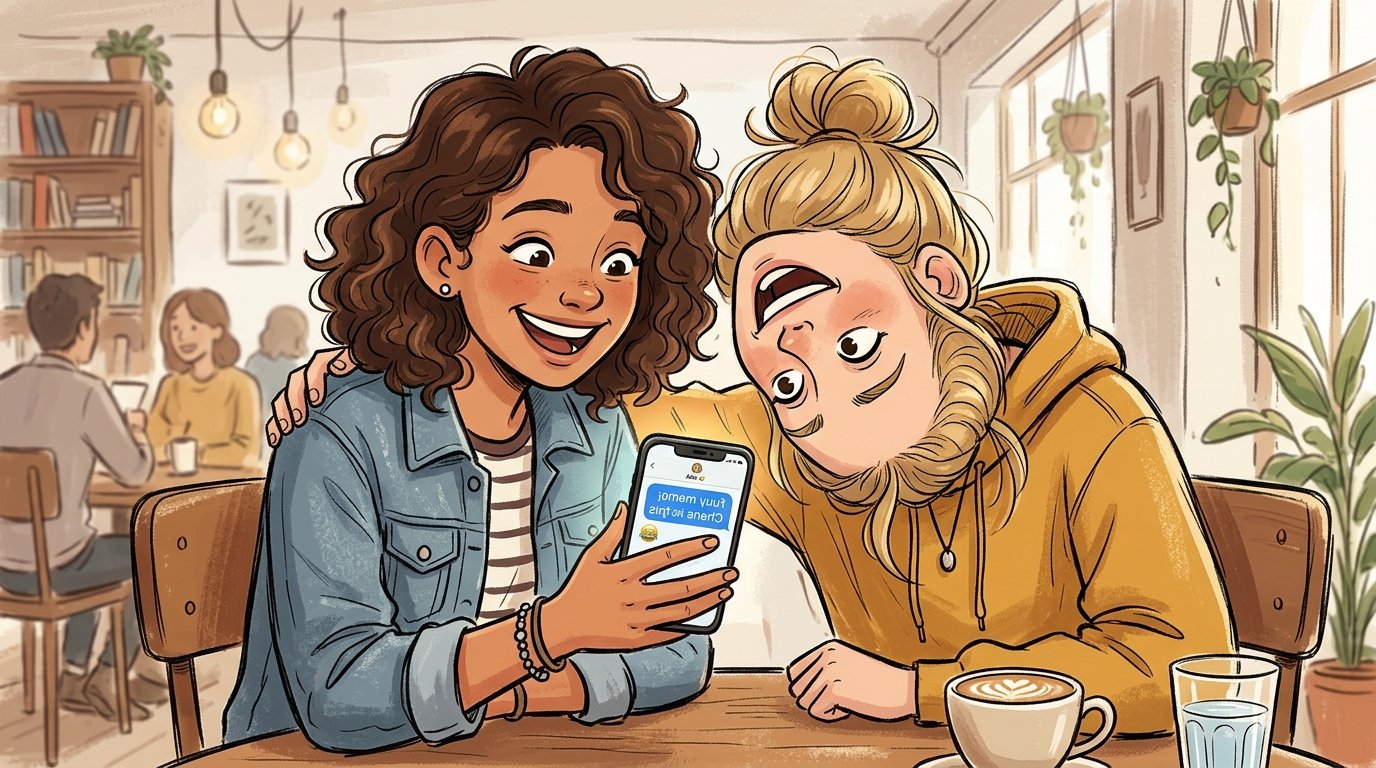
- Messages and comments — sending a flipped one-liner in a text message or comment is a familiar way to make a friend stop and tilt their phone. It works because it's unexpected, not because it's complicated.
- Party invites and casual announcements — flipping something like an invite line or birthday message adds a playful visual twist to a message that would otherwise be plain text.
- Puzzles, riddles, and games — flipped text is sometimes used deliberately to obscure a word or answer at first glance, since it takes an extra second to read compared to normal text — useful for a riddle, a spoiler warning, or a "guess the word" style post.
Sideways text and other related effects
"Sideways text" is a slightly different request than upside down text — it usually refers to text rotated 90 degrees rather than 180. True sideways rendering (where letters are rotated onto their side) is difficult to achieve with plain Unicode text the way upside down text is, since there's no equivalent "sideways letter" character set the way there is for inverted letters. Sideways text effects are typically done through CSS or image rendering rather than character substitution — worth knowing if that's specifically what you're after, since it's a different tool from a text-based flip generator.
Common mistakes and things to know before using it
- Not every character has a perfect inversion. As covered above, a few letters, most numbers, and most symbols get the closest available match rather than a true mirror — this is a Unicode limitation, not a bug in the generator.
- Rendering varies slightly by font and platform. Because it's real Unicode text rather than an image, how "flipped" it looks can shift slightly depending on the font a given app or device uses to render it.
- Screen readers generally can't interpret flipped text correctly. Since the underlying characters are different from standard letters, accessibility tools may read flipped text as gibberish or skip it — best used for casual content, not anything informational or important.
- It won't work as a functional hashtag or username. Platforms typically don't recognize inverted Unicode characters as valid tag or handle characters, so avoid flipping anything meant to be clickable.
- Long blocks of flipped text get hard to read. A short phrase or single line flipped is eye-catching; an entire paragraph flipped becomes a genuine chore to read, even upside down.
Pairing upside down text with other formatting
Flipped text works well as an accent rather than the whole message. A common pattern is pairing one flipped line — a bio tagline, a joke caption — with a bold text generator for the rest of the bio that still reads right-side up, so the flipped part reads as a deliberate stylistic choice rather than an accident. If you need the same flipped phrase repeated for emphasis — "flip flip flip," for instance — a text repeater can generate that instantly rather than copy-pasting it manually multiple times.
Reverse text and backwards text generator — a quick note
If what you're actually after is simple reversed order (not visual inversion), the same generator typically handles that too, since reversing a string is the first step in creating upside-down text anyway. This is useful for word games, puzzles, or just spelling something backwards for fun, without needing the letters themselves to look inverted.
A simple example
Typed normally: hello friend
Flipped: puǝıɹɟ ollǝɥ
A reversed, character-substituted version that reads correctly when the screen (or your head) is turned upside down — no rotation of the actual text box needed, since the characters themselves are already built to look right that way.
The bottom line
Upside down text isn't going to move any real metrics on its own, but it remains one of the simplest, lowest-effort ways to add a bit of personality to a bio, caption, or message — precisely because it looks different from the default text surrounding it. Type it once, copy the flipped result, and paste it wherever a plain sentence would otherwise go.
Frequently Asked Questions
1. How does an upside down text generator work?
It swaps each letter for a Unicode character that visually resembles it flipped 180 degrees, then reverses the string order — so the result reads correctly when viewed upside down, without needing to rotate the screen.
2. Is there a way to type upside down on iPhone without an app?
Yes. There's no built-in iOS feature for it, but you can type your text into an online upside down text generator in Safari, copy the flipped result, and paste it into Messages, Notes, or any app — no app install needed.
3. Do all letters flip perfectly upside down?
Most do, but not all. Letters like "a," "e," and "g" have close Unicode matches. A few, like "l," don't have a true mirror, so the closest available character is used instead.
4. What's the difference between upside down text and reverse text?
Upside down text swaps each letter for an inverted-looking character. Reverse (backwards) text keeps the same letters but just reverses their order — no character substitution happens.
5. Can I flip numbers and symbols too?
Some, yes. A few numbers and symbols (like ¿ and ¡) have genuine Unicode inversions. Others use the closest visual approximation, since Unicode doesn't include a full inverted set for every digit or symbol.
6. Will upside down text work as a hashtag or username?
No. Platforms generally don't recognize inverted Unicode characters as valid tag or handle characters, so avoid using flipped text anywhere it needs to be clickable.
7. Why does my upside down text look slightly different on another device?
Because it's rendered through Unicode rather than an image, appearance can vary slightly depending on the font the receiving app or device uses.
8. Is upside down text accessible to screen readers?
Not reliably. Since the characters are technically different from standard letters, screen readers may not read them correctly — best used for casual content rather than important information.
9. Can I use upside down text as my Instagram caption or bio?
Yes — it's one of the most common uses. A short flipped line in a bio or caption stands out visually against normal text in a feed.
10. Is "sideways text" the same as upside down text?
No. Sideways usually means rotated 90 degrees, which isn't achievable with plain Unicode characters the way upside down (180-degree) text is — sideways effects typically require CSS or image rendering instead.